+32 460 23 96 44

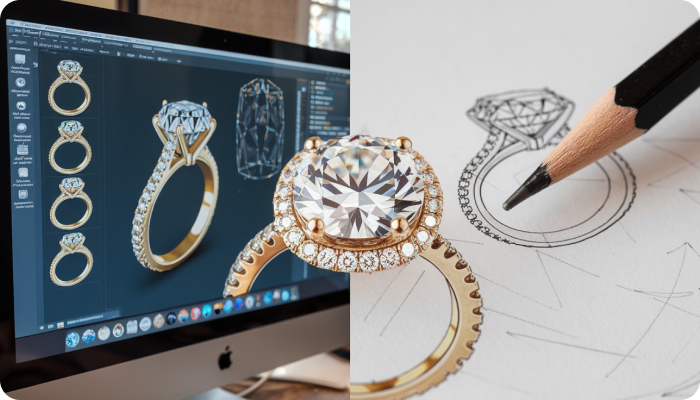
Computer-Aided Design (CAD) has revolutionized the jewelry industry, making it possible to create highly detailed and precise designs before they are brought to life. Jewelry rendering—turning CAD models into realistic images—plays a crucial role in showcasing designs to clients, marketing products, and streamlining the production process.
However, achieving high-quality jewelry renders requires careful preparation of CAD models. If a model is not well-optimized, the final render may not accurately represent the finished piece, leading to misinterpretations or production issues.
In this guide, we will cover the best practices for preparing CAD models for jewelry rendering, ensuring they look realistic and are ready for production.
But before that let’s understand
What is a 3D CAD Model?
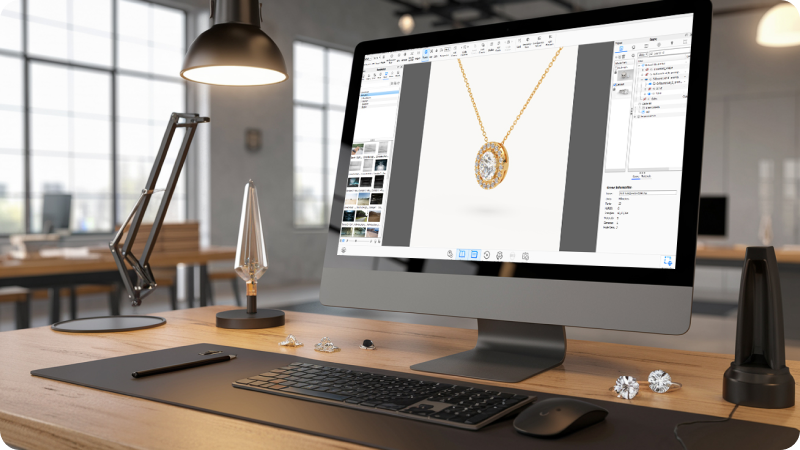
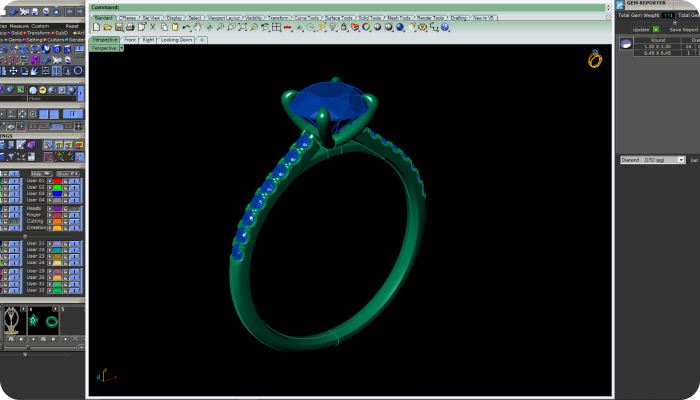
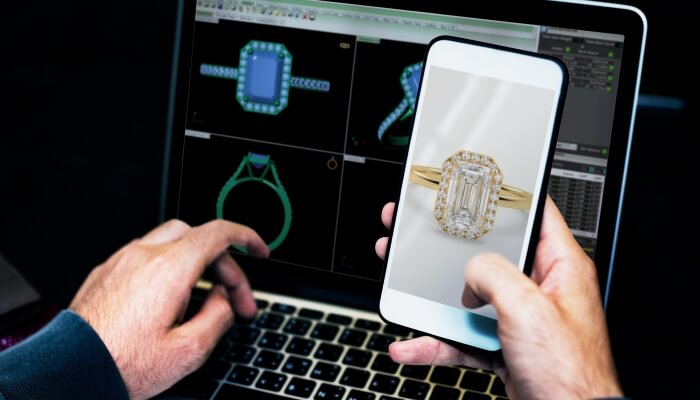
If you want high-quality images of your jewelry designs, a 3D CAD model is essential. Just as a photographer needs a physical product to take a picture, rendering requires a digital version of your jewelry. This model is used to apply materials, lighting, and textures, producing a realistic image that can be used for marketing or online stores.
How Are 3D CAD Models Created?
Creating a 3D CAD file is a separate process from rendering and usually comes with its own cost. Some jewelry designers already have CAD models prepared for manufacturing. Others may have handmade designs but no digital files available.
If you’re unsure whether you have a CAD model for your design, you can check with your manufacturer. Some manufacturers provide these files upon request, while others may require a fee or specific permissions.
Why Checking Your CAD Model is Important
A common issue with CAD models is that they are often created for manufacturing rather than rendering. This can lead to problems when producing realistic images.
For example, designers may take shortcuts in modeling to speed up production, which may work for casting but not for high-quality rendering. These shortcuts can affect how materials, details, and lighting appear in the final image.
To ensure your model is suitable for rendering, it should be checked and adjusted if necessary. This step can make a big difference in the final quality of your jewelry visuals.
By using CAD models, jewelers can create lifelike renders that attract customers and enhance their online presence
Streamline Your Jewelry Rendering Process: Best Practice
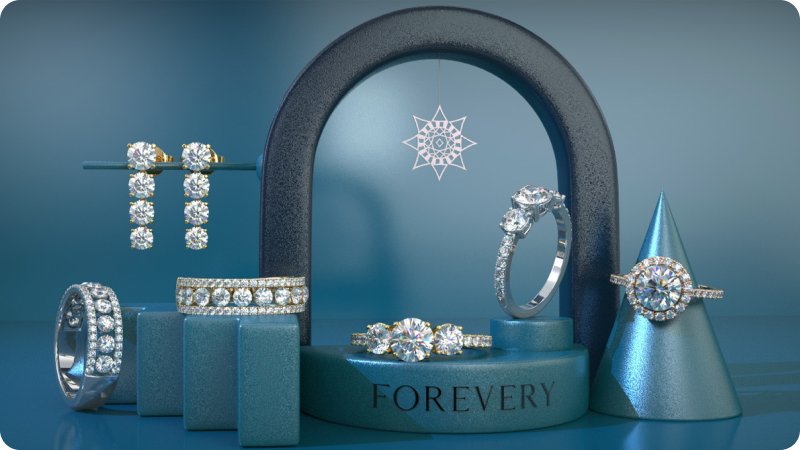
Creating high-quality 3D jewelry renders starts with well-prepared CAD models. By following certain best practices, you can achieve realistic and visually appealing results. These practices not only enhance the overall look of your designs but also make the rendering process more efficient. Here are some key tips to help you get the best results from your CAD models
Rounding Edges for Realistic Results
In real life, no edge is perfectly sharp, not even in finely crafted jewelry. To make your jewelry renders look more natural, round the edges in your CAD model. This allows light to reflect smoothly, creating a softer and more realistic appearance. It also helps avoid harsh shadows that can make the design look flat or artificial.Adjusting Center Stones for Better Lighting
To make center stones sparkle realistically, slightly lift them above the surrounding metal. This small adjustment lets light pass through the stone more naturally, enhancing reflections and brightness. It prevents shadows from the surrounding metal, making the stone appear more vibrant and eye-catching.Properly Setting Diamonds and Gemstones
Ensure that diamonds and gemstones are set neatly without overlapping other elements. If the geometry penetrates the stones, it can create unrealistic shadows and distort the render. Properly placed stones allow light to pass through and reflect beautifully, giving a bright and lively appearance.Adjusting Prongs & Claws for Natural Looks
Prongs and claws are small but impactful details. Shortening and rounding them slightly makes them look more natural and less bulky. Well-shaped prongs blend smoothly with the design, giving the jewelry a polished and refined look. This attention to detail adds realism to the render.Reducing or Removing Seams for Seamless Models
Visible seams can ruin the realism of a jewelry render. Ensure all joints and connections are smooth and continuous. By reducing or eliminating seams, you avoid unwanted lines and shadows, achieving a clean and flawless appearance. This is especially important for pieces like rings and bracelets, where smooth curves enhance elegance.Cleaning Up and Exporting Your CAD Files
Before exporting your CAD model, tidy up the layers and remove unnecessary parts. Make sure all components are properly named and organized to avoid confusion during rendering. A clean and well-structured file reduces errors and ensures a smooth exporting process, leading to high-quality renders.
Conclusion
Preparing CAD models for jewelry rendering requires attention to detail and the application of best practices. From rounding edges for realistic results to organizing stones for efficient handling, each step plays a crucial role in achieving high-quality renders. By following these guidelines, jewelers can enhance the realism of their designs, streamline their workflow, and create stunning visuals that resonate with customers. Embrace these best practices to elevate your jewelry renders and showcase your creations in the most captivating way possible.
Streamline Your Jewelry Rendering Process!!
Jewelry rendering in Antwerp allows designers to bring their ideas to life with realistic 3D images. By using advanced technology, jewelers can create detailed visuals that showcase every angle and detail of a piece before it’s even made.
3D jewelry rendering in Antwerp helps customers see exactly what their jewelry will look like. This process creates lifelike images that capture the brilliance of diamonds, the shine of metals, and the intricate design details. It’s an effective way to visualize custom designs or showcase collections online.
Expert Jewelry Rendering by Jewelexperts.com
For jewelry rendering in Antwerp, JewelExperts.com can help. They specialize in creating high-quality 3D renders that highlight every detail, helping designers and jewelers present their creations in the best possible light. Whether you need realistic visuals for custom pieces or want to showcase a collection, Jewelexperts.com can bring your designs to life with precision and creativity.