+32 460 23 96 44

On this page
- The Role of CAD in Jewelry Design
- Key Benefits of Using CAD for Jewelry Design
- Overview of Jewelry CAD Software Options
- Feature3DesignRhinoMatrixRhinoGoldJewelCadPurposeJewelry design softwareGeneral 3D modelingJewelry design with Rhino engineJewelry design with Rhino engineJewelry design softwarePlatform CompatibilityMacOS and WindowsWindows (Mac through Bootcamp)Windows (Mac through Bootcamp)Windows (Mac through Bootcamp)WindowsLearning CurveModerate (easy to use)Steep (needs 3D modeling skills)Moderate (user-friendly for jewelers)Moderate (user-friendly for jewelers)Easy (good for beginners)Parametric HistoryYes (edit designs easily)No (more basic modeling)Yes (easy to adjust designs)Yes (easy to adjust designs)No (basic design options)Model LibraryLarge library for jewelryGeneral 3D model libraryLarge jewelry libraryLarge jewelry librarySmall libraryCustomizationHigh (customizable features)High (but not jewelry-specific)High (easy to customize parts)High (easy to customize parts)Limited customizationPrice RangeExpensiveLow to moderateExpensiveExpensiveModerateBest ForProfessional jewelersGeneral 3D designersJewelers using RhinoJewelers using RhinoBeginners and hobbyistsKeep reading to discover more about jewelry modeling and rendering software, along with tips for choosing the right CAD tools.For Beginners or Non-Professionals:If you're not a professional jeweler, there are apps like Jweel or WizeGem that don’t require much expertise. These tools are accessible to anyone interested in jewelry design.For General 3D Creation:Software like TinkerCAD(Free, for beginners), SketchUp, and Blender can be used for various types of 3D design, but they may not have all the jewelry-specific features you need. They're versatile tools but may not be as suitable for professional jewelry production.For Professional Jewelers:For those working in the jewelry industry, the most widely used software includes:MatrixRhinoGoldJewelCad3Design (our favorite!)Other specialized tools can be added for tasks like organic jewelry modeling (e.g., ZBrush, Clayoo) or advanced jewelry renderings (e.g., Maya, KeyShot, VRay). 3Design and Firestorm (Specialized for jewelry), SolidWorks, Rhinoceros, and Fusion 360 (General-purpose modeling tools)Advantages and Disadvantages of Different CAD SoftwareSolid Modeling SoftwareExamples: SolidWorks, Rhinoceros, Fusion 360These tools focus on creating precise designs with the ability to easily modify them later. They keep a record of every design step, making it easier to adjust designs without starting from scratch. They also work well with 3D printing and rendering tools to create realistic previews of your designs.Advantages:Precise and accurate designsEasy to make adjustments through a history treeWorks well with 3D printing and jewelry rendering toolsDisadvantage:Designs may appear too mechanical and lack the smooth curves and intricate details needed in jewelry.Polygonal Modeling SoftwareExamples: Maya, Modo, BlenderThese tools use a mesh of points, edges, and faces, which makes it easier to create complex shapes and smooth curves. They are ideal for creating organic, freeform designs like intricate jewelry patterns.Advantages:Easier to create organic, flowing shapesMore freedom for creative, artistic designsDisadvantage:Less precise compared to solid modeling softwareJewelry-Specific CAD SoftwareExamples: 3Design, Firestorm, JewelCADThese tools are specifically designed for jewelry creation. They often have an easier learning curve and include built-in features like gemstone insertion, prong settings, and other jewelry-specific tools. This makes it easier for designers to focus on creativity instead of technical details.Advantages:Faster design process with built-in jewelry-specific featuresEasier to learn and useOffers customization options for specific designs and customer needsHow to Choose the Right Jewelry Design Software
- For Beginners or Non-Professionals:
- For General 3D Creation:
- For Professional Jewelers:
- Final Thoughts
- Book a Consultation and Start Your 3D Modeling & Rendering Journey Here!!
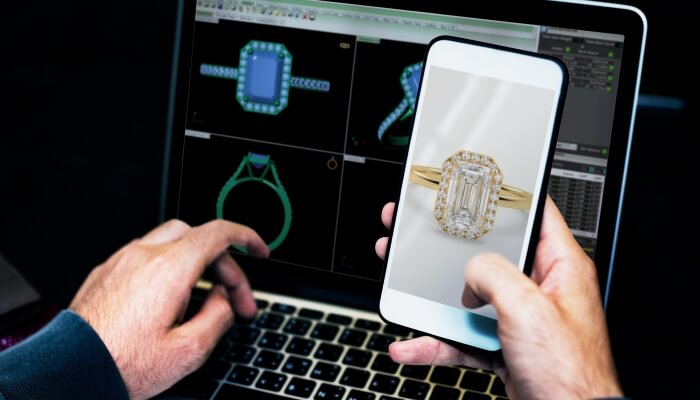
Jewelry design has always been a craft requiring precision, creativity, and hands-on skills like wax sculpting, soldering, and stone setting. However, with the rise of digital tools like computer-aided design (CAD) software, the industry is evolving. These technologies, combined with 3D printing, allow for incredible design flexibility and customization, changing how jewelry is conceptualized and created.
The Role of CAD in Jewelry Design
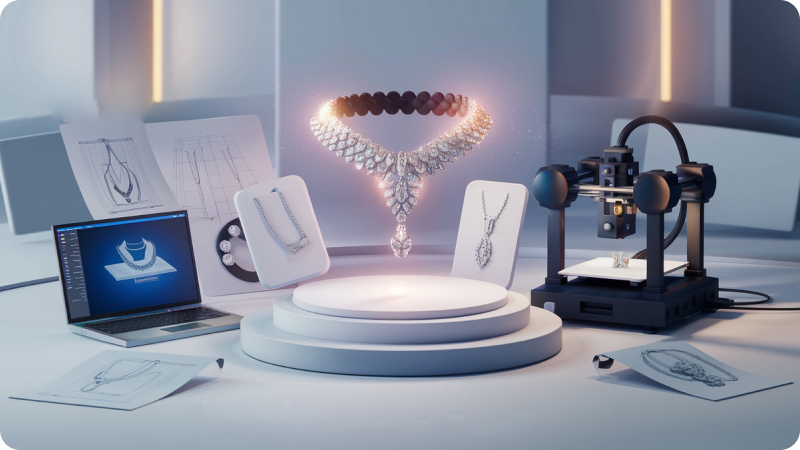
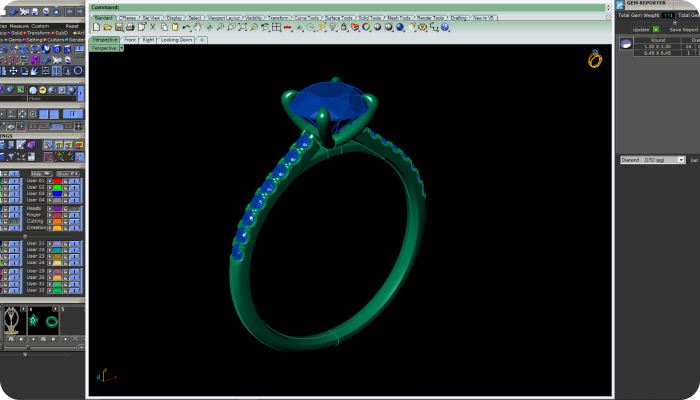
CAD software has become an essential part of modern jewelry design. It allows designers to create detailed virtual models of their pieces before they are made. These designs can then be turned into physical prototypes using 3D printers, making it easier to test and refine ideas.
While traditional techniques like inlays, enameling, and multicolor finishes still require skilled craftsmanship, CAD excels at producing intricate designs like filigree meshes, interlocking parts, and complex geometric patterns. These designs would be challenging or impossible to achieve by hand.
Key Benefits of Using CAD for Jewelry Design
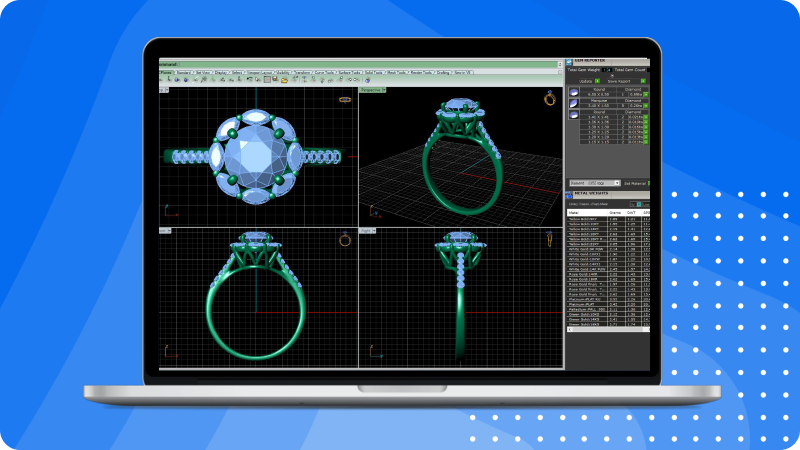
Using CAD software in jewelry design offers several advantages:
Faster Design Process: Designers can quickly create 3D jewelry models and even 3D print prototypes before starting the production.
Improved Visualization: CAD tools allow designers to create detailed renderings of their work, making it easier to share and visualize the final product.
Greater Design Flexibility: CAD allows for complex shapes, textures, and patterns that are hard to achieve with traditional methods.
Easy Customization: Designs can be easily adjusted to meet the needs of specific customers or to create unique pieces.
Efficient Production: Once designs are ready, they can be directly sent to 3D printers, speeding up manufacturing and reducing the need for traditional mol
Jewelry CAD (Computer-Aided Design) software helps designers create stunning and precise jewelry pieces. With various tools available, it’s important to know the different types of CAD software and their specific uses. Let’s explore the main categories of jewelry CAD software and how they can fit your design needs.
Read more: Customizing Jewelry with 3D Technology: A Game-Changer for Your Brand
Overview of Jewelry CAD Software Options
When jewelry designers decide to work digitally, they have many software options available to help bring their designs to life. The best software depends on the type of jewelry you want to create and how comfortable you are with learning new tools. Below are some commonly used CAD software options for jewelry design:
Keep reading to discover more about jewelry modeling and rendering software, along with tips for choosing the right CAD tools.
For Beginners or Non-Professionals:
If you're not a professional jeweler, there are apps like Jweel or WizeGem that don’t require much expertise. These tools are accessible to anyone interested in jewelry design.
For General 3D Creation:
Software like TinkerCAD(Free, for beginners), SketchUp, and Blender can be used for various types of 3D design, but they may not have all the jewelry-specific features you need. They're versatile tools but may not be as suitable for professional jewelry production.
For Professional Jewelers:
For those working in the jewelry industry, the most widely used software includes:
Matrix
RhinoGold
JewelCad
3Design (our favorite!)
Other specialized tools can be added for tasks like organic jewelry modeling (e.g., ZBrush, Clayoo) or advanced jewelry renderings (e.g., Maya, KeyShot, VRay). 3Design and Firestorm (Specialized for jewelry), SolidWorks, Rhinoceros, and Fusion 360 (General-purpose modeling tools)
Advantages and Disadvantages of Different CAD Software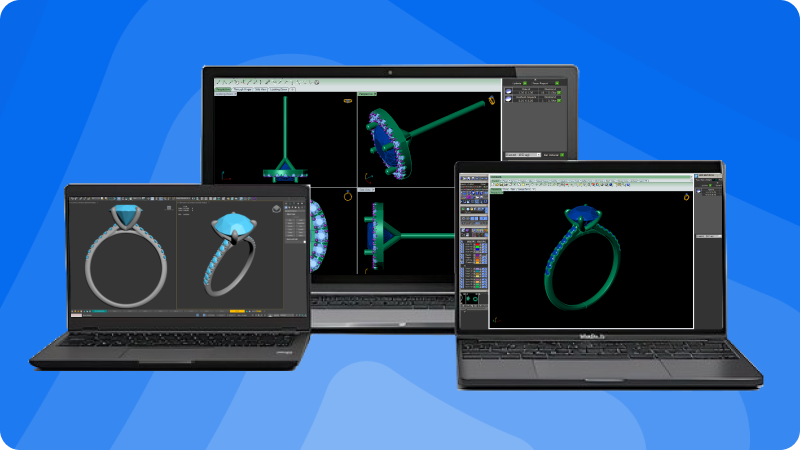
Solid Modeling Software
Examples: SolidWorks, Rhinoceros, Fusion 360
These tools focus on creating precise designs with the ability to easily modify them later. They keep a record of every design step, making it easier to adjust designs without starting from scratch. They also work well with 3D printing and rendering tools to create realistic previews of your designs.
Advantages:
Precise and accurate designs
Easy to make adjustments through a history tree
Works well with 3D printing and jewelry rendering tools
Disadvantage:
Designs may appear too mechanical and lack the smooth curves and intricate details needed in jewelry.
Polygonal Modeling Software
Examples: Maya, Modo, Blender
These tools use a mesh of points, edges, and faces, which makes it easier to create complex shapes and smooth curves. They are ideal for creating organic, freeform designs like intricate jewelry patterns.
Advantages:
Easier to create organic, flowing shapes
More freedom for creative, artistic designs
Disadvantage:
Less precise compared to solid modeling software
Jewelry-Specific CAD Software
Examples: 3Design, Firestorm, JewelCAD
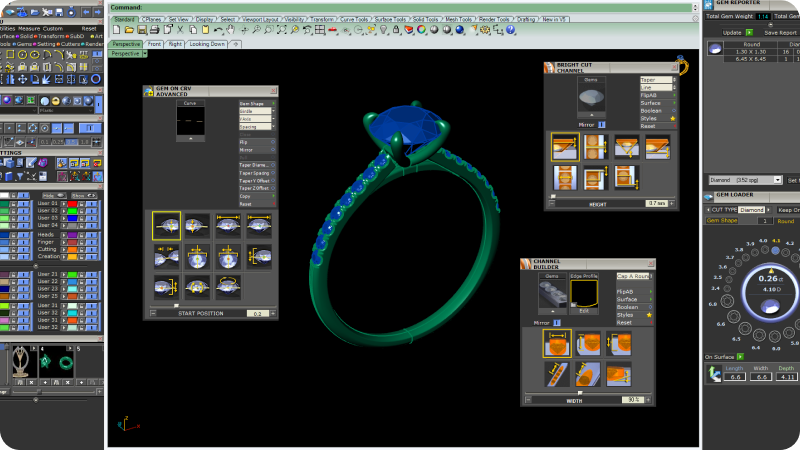
These tools are specifically designed for jewelry creation. They often have an easier learning curve and include built-in features like gemstone insertion, prong settings, and other jewelry-specific tools. This makes it easier for designers to focus on creativity instead of technical details.
Advantages:
Faster design process with built-in jewelry-specific features
Easier to learn and use
Offers customization options for specific designs and customer needs
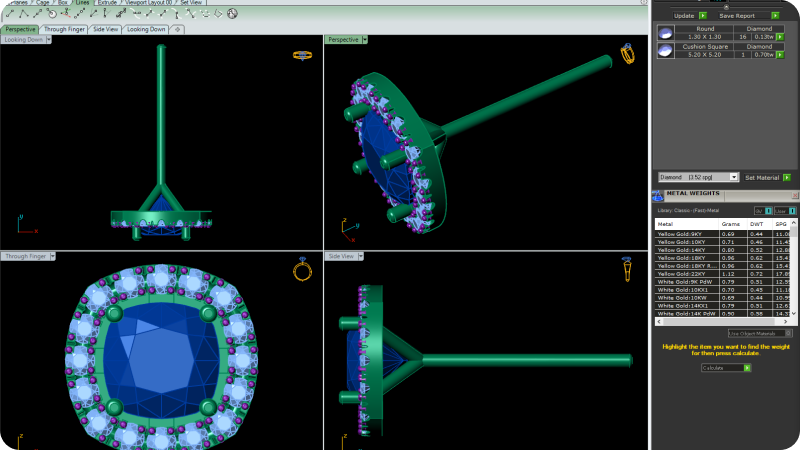
When selecting jewelry CAD software, here are the key factors to consider:
Design Type: If you’re working with geometric shapes, tools like SolidWorks or Rhinoceros are great. For organic and flowing designs, use tools like Maya, Modo, or Blender.
Learning Curve: Jewelry-specific software like 3Design and Firestorm are often easier to learn, while general-purpose tools like Rhinoceros take more time to master but offer more flexibility.
Budget: Free tools like Tinkercad are perfect for beginners. Rhinoceros is reasonably priced, while more advanced software like 3Design or Maya can be more expensive but provide additional specialized features.
Customization Needs: If you need to add gemstones, create custom patterns, or adjust dimensions often, look for software that offers easy customization.
Easy Sketch Features: It’s helpful to have tools that let you import hand-drawn sketches or vector graphics easily. Some software even lets you design directly on a 3D view of your sketch, giving you a more hands-on approach to jewelry modeling.
Windows/MacOS Compatibility: Many designers work on both Mac and Windows, so having software that works across both platforms is a huge plus. This compatibility is important when collaborating with others who might be using different systems.
Parametric History: This feature allows you to make fast modifications to designs. For example, if you need to change the size of a ring, you can adjust the initial parameters, and the software will automatically update the entire model. This is a big time-saver, especially when working on complex designs.
Model Library: Having access to a model library filled with pre-made parts, like ring settings or gemstone profiles, can save you time. Look for software that lets you customize this library with your own designs, so you don’t have to start from scratch each time.
Final Thoughts
Choosing the right CAD software depends on your specific needs as a jewelry designer. If you focus on creating precise designs, general-purpose tools like SolidWorks or Rhinoceros might be a good fit. If you prefer a more artistic approach with organic shapes, software like Maya or Blender will be better. For those who want an easier, more streamlined experience tailored to jewelry design, options like 3Design or Firestorm might be the best choice. Make sure to consider factors like ease of use, design complexity, and budget to find the software that works best for you.
Read More: What is 3D Jewelry Rendering and How Does It Work?
Book a Consultation and Start Your 3D Modeling & Rendering Journey Here!!

At 3D Jewel Hub, JewelExperts.com specialize in bringing jewelry to life through advanced Jewelry Rendering Modeling. Whether you're a retailer, designer, or gemstone seller, our 3D Jewelry Design Services provide stunning visual representations that capture every detail of your pieces. By showcasing your jewelry with precise 3D modeling and realistic rendering, you can leave a lasting impression on your audience while enhancing your sales potential.
For retailers, our services offer a way to create captivating online displays that draw in customers and elevate your brand’s presence. Designers can turn their ideas into reality with our high-quality 3D Jewelry Design Services, while diamond and gemstone sellers can highlight the brilliance of their stones through detailed 3D representations. Visit JewelExperts.com to discover how we transform jewelry dreams into digital reality.