+32 460 23 96 44

On this page
- Why Google Reviews Matter in the Jewelry Industry
- What Are Google Reviews and Why They Influence Jewelry Sales
- The Psychology Behind Online Reviews
- Benefits of Google Reviews for Jewelry Businesses
- When Is the Best Time to Ask for a Review?
- 10 Powerful Tips to Ask for Google Reviews
- How to Create a Google Review Link for Your Jewelry Store
- Mistakes to Avoid When Asking for Reviews
- How to Handle Negative Reviews Gracefully
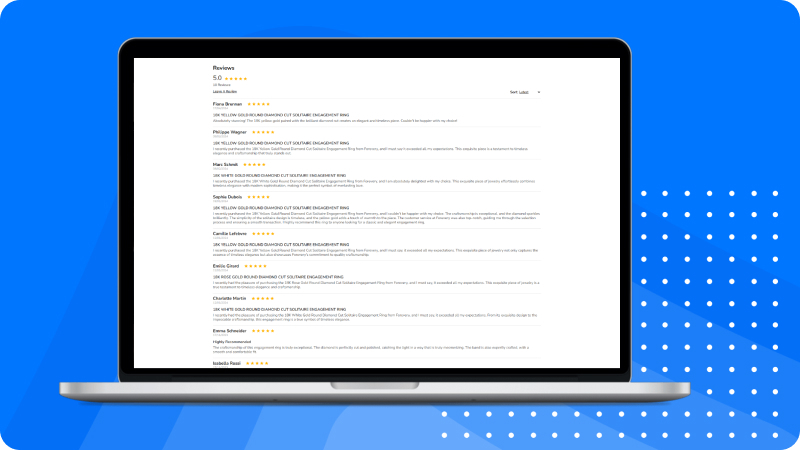
- Showcase Positive Reviews on Your Website and Marketing Material
- Review Request Scripts You Can Use
- Market Your Jewelry Online Like a Pro

Learn effective strategies and get 10 powerful tips to increase 5-star customer feedback and grow your online reputation today.
Why Google Reviews Matter in the Jewelry Industry
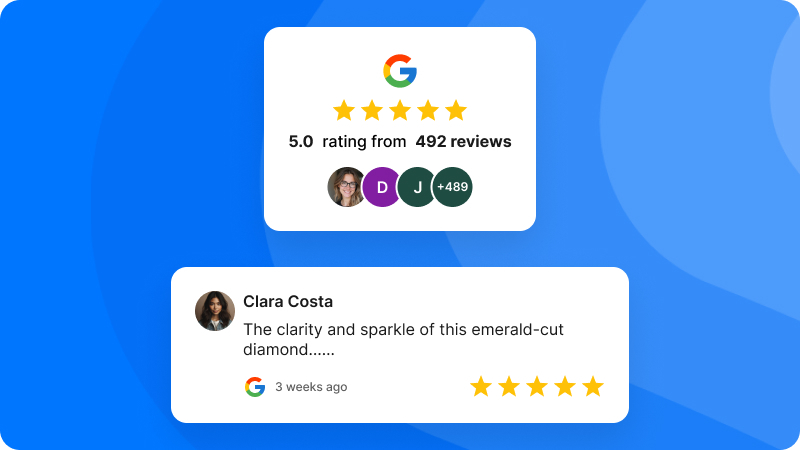
In a world where word-of-mouth has gone digital, Google reviews have become a powerful way for jewelry businesses to earn customer trust and boost sales. Whether you run a small boutique or a high-end jewelry store, your online reputation can make or break a potential sale. A glowing 5-star review can bring in curious shoppers, while a negative review left unanswered can turn them away.
Let’s explore how to ask for Google reviews without sounding pushy, and why it's essential for growing your jewelry business.
What Are Google Reviews and Why They Influence Jewelry Sales
Google reviews are public customer testimonials visible when someone searches for your business on Google or Google Maps. They are a direct reflection of your customers' experience.
Jewelry is an emotional purchase. Customers want to be sure they’re investing in quality and service they can trust. That’s where positive Google reviews come in — they give social proof that your business is the right choice.
The Psychology Behind Online Reviews

Before a customer chooses a jeweler, they’re likely to:
Check online ratings
Read what others say
Compare stores based on reviews
This is because reviews offer real experiences, reducing the risk for first-time buyers. A person is more likely to trust a business with several 5-star reviews over one with no reviews at all.
Benefits of Google Reviews for Jewelry Businesses
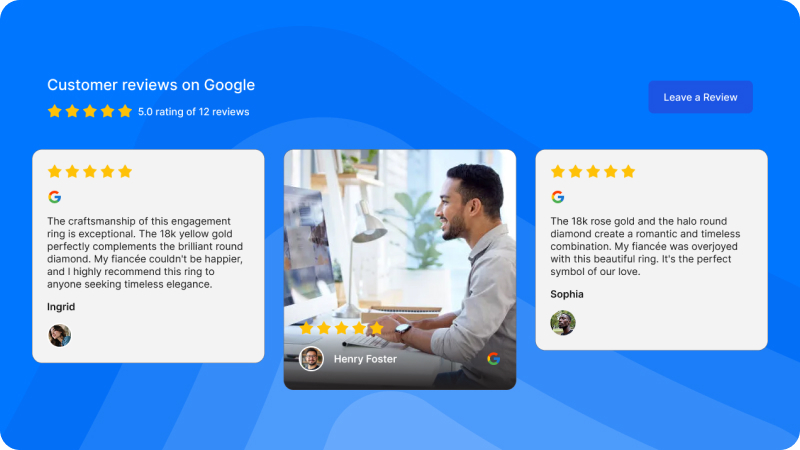
Enhances Local SEO
Google’s algorithm favors businesses with frequent, positive reviews. This means your jewelry store will appear higher in local search results, especially when someone searches “best jeweler near me.”
Builds Trust and Credibility
Reviews validate your claims of quality, craftsmanship, and service. They show you deliver what you promise, and that makes customers feel safer.
Drives More Foot Traffic to Your Store
Local shoppers are more likely to visit a business that has great reviews and recent activity. It adds to the sense of reliability and professionalism.
When Is the Best Time to Ask for a Review?
Timing is key when asking for a review. The best time is:
Immediately after a positive experience: When customers are happy with their purchase or service.
At the moment of delivery: When a product is delivered safely and beautifully packaged.
During a follow-up email: Checking in to ensure the customer is satisfied.
10 Powerful Tips to Ask for Google Reviews
1. Ask Right After a Purchase
Customers are most excited about their jewelry right after they buy it. This is the perfect time to say, “If you’re happy with your experience, would you mind leaving us a Google review?”
2. Use Review Request Cards
Include small cards in shopping bags with a thank you note and a short link to leave a review. Add a QR code to make it even easier.
3. Send a Follow-up Email
Use a personalized email thanking the customer and asking for a quick review. Make sure the email includes a direct link.
4. Train Your Staff to Ask Politely
Make review requests part of the customer service process. A friendly, face-to-face request often works better than any digital reminder.
5. Include a Link in Your Digital Receipts
Many customers open receipts right away. Adding a small note like “Loved your purchase? Share your experience with us on Google” can go a long way.
6. Use QR Codes in Store
Display a QR code near the checkout counter that links directly to your Google review page. It's quick and easy for customers to scan and leave a review.
7. Post a Google Review Link on Social Media
Make it simple for your followers. Share a post every month encouraging happy customers to review you and provide a direct link.
8. Offer Gentle Reminders (Not Incentives)
Google discourages incentivizing reviews. But gentle reminders are okay. Just don’t offer discounts or gifts in exchange for reviews.
9. Thank Every Reviewer Publicly
Whether the review is glowing or just okay, respond publicly. Say thanks and show appreciation. It shows you value feedback.
10. Use Automation Tools
Use tools like Podium, Birdeye, or Google’s own business messaging to automate review requests post-purchase.
How to Create a Google Review Link for Your Jewelry Store
To make leaving a review easy, create a direct link:
Go to your Google Business Profile.
Click “Ask for Reviews.”
Copy your short URL.
Use it on receipts, thank-you cards, emails, and your website.
Example: Leave us a review
Mistakes to Avoid When Asking for Reviews
Don’t beg or pressure customers.
Don’t offer rewards for reviews.
Don’t ignore bad reviews — address them.
Don’t forget to monitor and respond to feedback.
How to Handle Negative Reviews Gracefully
Negative reviews aren’t the end of the world. Here’s how to respond:
Stay calm and professional.
Acknowledge their issue.
Offer a resolution publicly or invite them to contact you.
Use the feedback to improve.
Showcase Positive Reviews on Your Website and Marketing Material
Make your happy customers your biggest promoters. Highlight glowing reviews on:
Product pages
Landing pages
Social media graphics
In-store signage
This helps build trust with new potential buyers.
Review Request Scripts You Can Use
In-Store Script:
“Thanks again for your purchase! If you loved your experience, would you mind leaving us a Google review? It really helps small businesses like ours.”
Email Script:
“Hi [Customer Name],
Thanks for choosing [Your Store Name]! We hope you’re loving your new jewelry. If you have a moment, we’d really appreciate it if you could leave us a review on Google.
Here's the link: [Insert Your Link]”
Real-Life Examples of Jewelry Stores Using Reviews Effectively
Grand Diamonds features customer testimonials on its website pages and Google profile.
Forevery. One encourages reviews by offering exceptional service and then simply asking for feedback.
Shemesh Diamonds use QR codes and personalized follow-ups for every purchase.
These businesses have built strong reputations thanks to consistent and ethical review practices.
Conclusion: Build a Reputation That Shines as Bright as Your Diamonds
Getting Google reviews for your jewelry business doesn’t have to be hard. With the right approach, timing, and tools, you can build a steady stream of authentic, glowing feedback that reflects your craftsmanship and customer care.
Your reviews don’t just boost search rankings—they’re the digital word-of-mouth that builds your brand’s trust. So ask with confidence, and let your satisfied customers do the talking.
Market Your Jewelry Online Like a Pro
Building a strong online presence takes time, but small steps can lead to real results. One important tool is Google reviews. They help build trust and make your brand look more reliable in the eyes of your audience.
If you're not sure where to start, the team at Jewelexperts.com can guide you. We can help you create clear brand guidelines and show you how to ask your customers for reviews in a simple and respectful way.
From your first steps in marketing to finding the right audience, we’re here to support your journey. Whether it’s setting up your brand look, writing better product descriptions, or using reviews to grow your reputation, we’ll help you move forward with confidence—at your own pace.